Use and Verify CMU Login (Entra ID)
You may be redirected to CMU Login (Entra ID) when you attempt to access university services. If a service uses Entra ID, you will see the following sign-in prompts.
Step 1
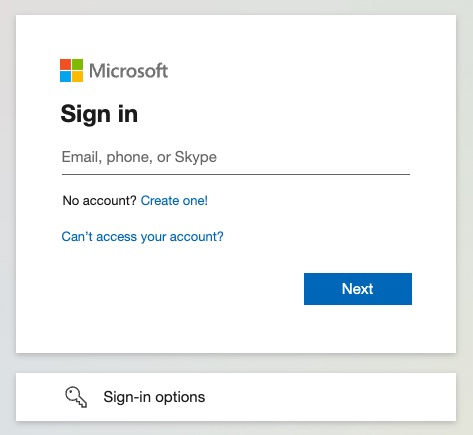
Enter your full Andrew email address (userID@andrew.cmu.edu) and click Next.
Step 2
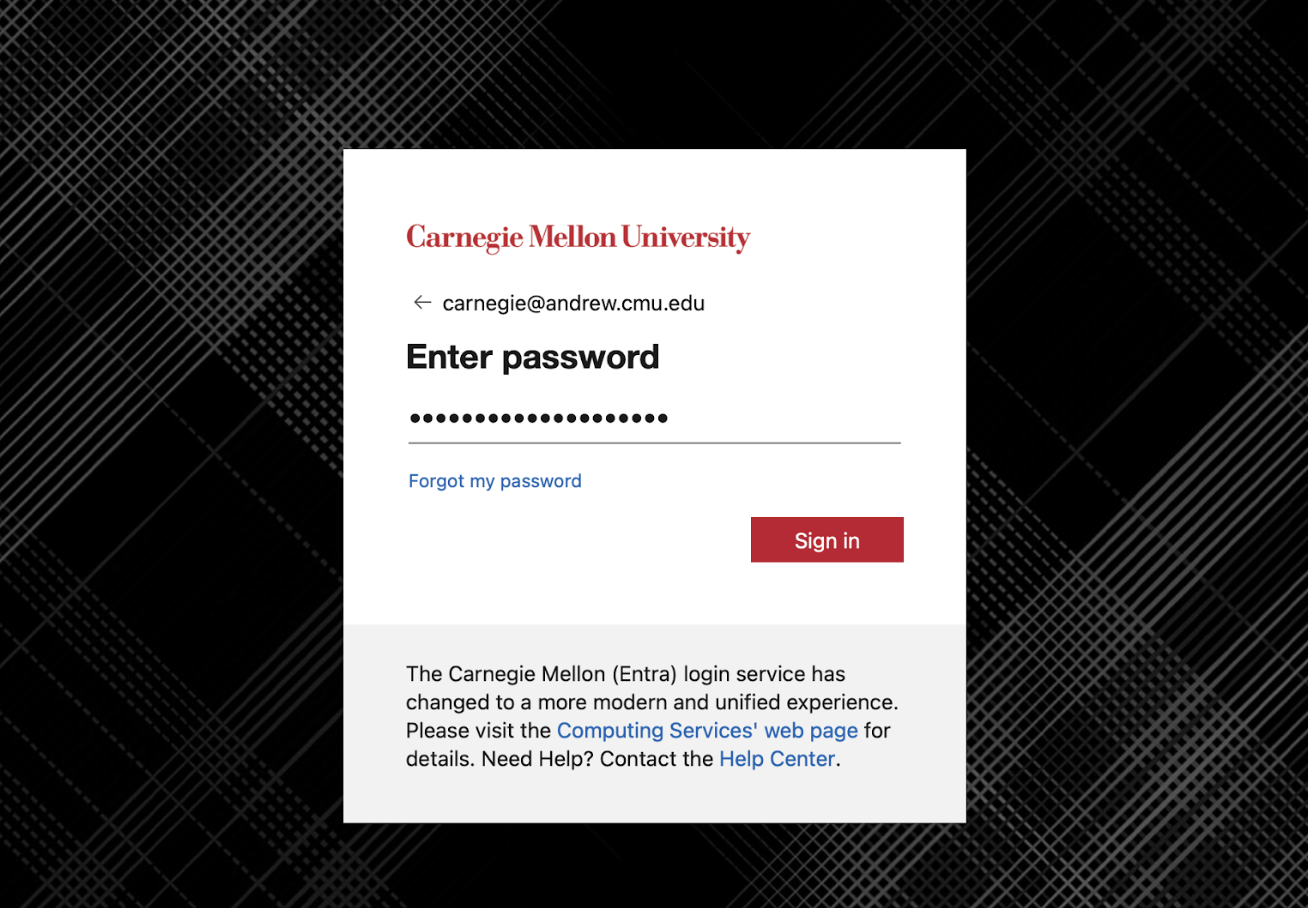
- Verify that the URL in your browser's address bar matches: https://login.microsoftonline.com/
- If the URL is correct, enter your Andrew password in the new CMU login screen.
- Authenticate with CMU 2fa (DUO) as prompted.
- (Optional) Select 'Yes' to the Stay signed in? Prompt.
- If login is successful, you will be automatically redirected back to the service.
Use and Verify CMU Web Login (Shibboleth)
For services that still use CMU Web Login (Shibboleth), you will be redirected to one of the following login screens when you attempt to access them.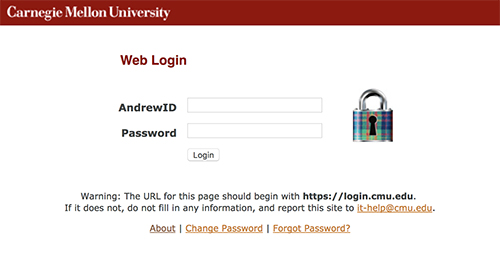
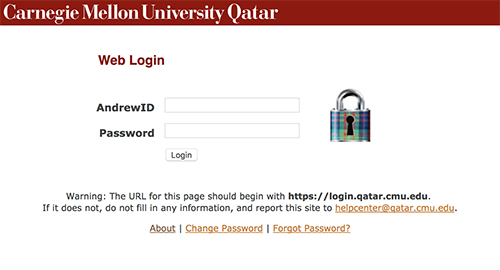
- Verify that the URL in your browser's address bar matches one of the following options:
- https://login.cmu.edu/
- https://login.qatar.cmu.edu/
-
If the URL is correct, log in with your Andrew userID and password.
-
Authenticate with CMU 2fa (DUO) as prompted.
-
If login is successful, you will be automatically redirected back to the service.