

Attend an Open House
The Carnegie Mellon University School of Architecture invites undergraduate prospective students to attend an April Undergraduate Open House event. Events are hosted every Monday on April 8, 15, 22 and 29.
Climate Change – Artificial Intelligence – Social Justice
Carnegie Mellon Architecture is committed to preparing our students to address the pressing challenges of our time. From the environmental, to the technological, to the social, our programs provide deep immersion in the discipline of architecture, intensified by the broader Carnegie Mellon culture of interdisciplinary innovation and creative inquiry.
PJ Dick Innovation Fund Project Grants

PJ Dick Innovation Fund Project Grant: Craft Practices and Computation in Three Cultures
This project is an ethnographic study, computational investigation and design exploration of craft practices in three different locations: willow, wire and textile weaving in Pittsburgh; the Gullah tradition of sweetgrass basket weaving in South Carolina; and joinery, umbrella-making and weaving in Thailand.
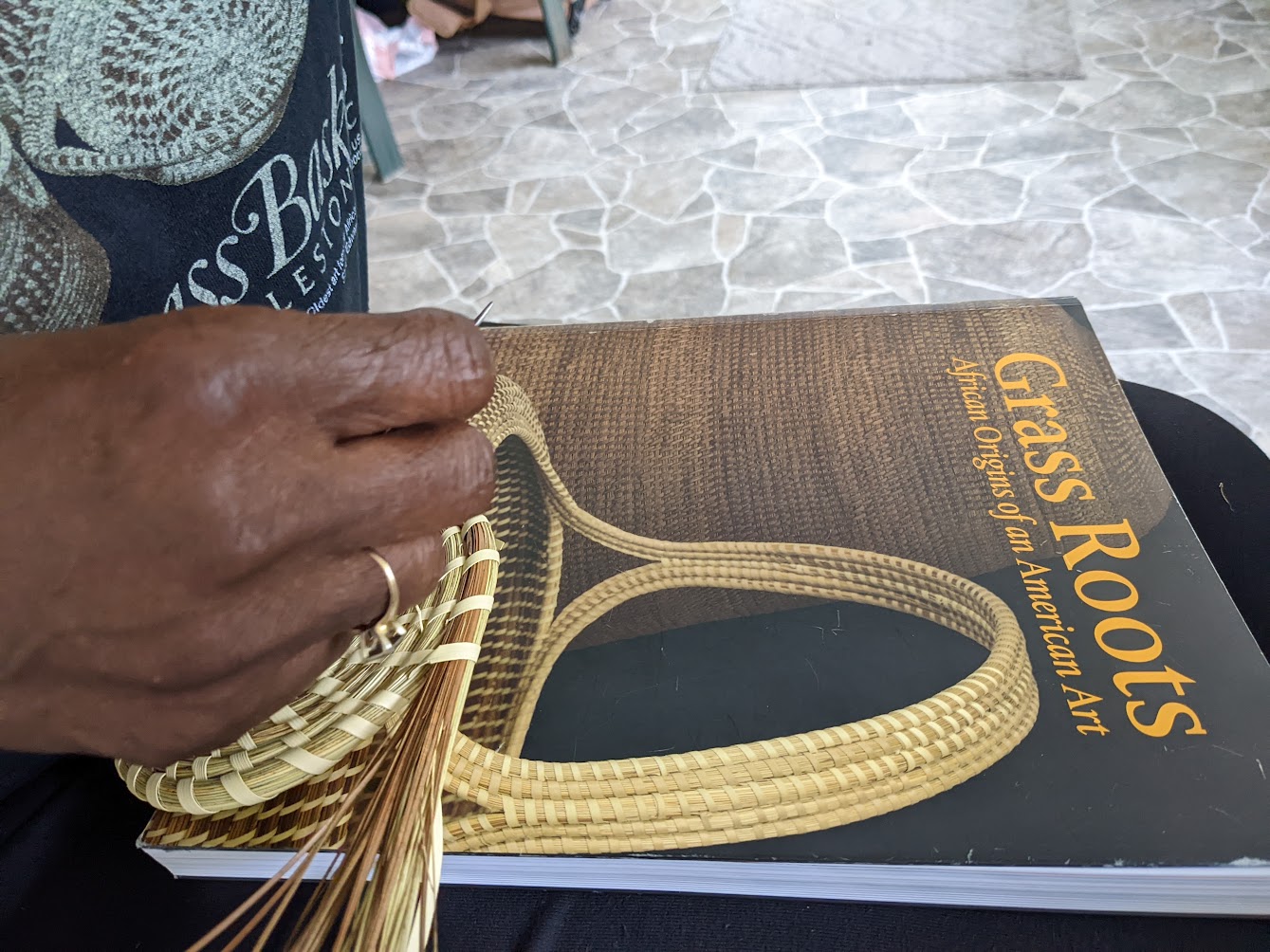
This project is an ethnographic study, computational investigation and design exploration of craft practices in three different locations: willow, wire and textile weaving in Pittsburgh; the Gullah tradition of sweetgrass basket weaving in South Carolina; and joinery, umbrella-making and weaving in Thailand.

PJ Dick Innovation Fund Project Grant: Contestations of Modernity
This proposal is for a book that offers readings in Design Ethics on questions of broad contemporary import: that of participatory publics in an era of neoliberal development and hardline politics, of design and its spatial agency, of the legacies and futures of modernism in the global south, and of the care and repair of buildings and cities in an age of climate crises.
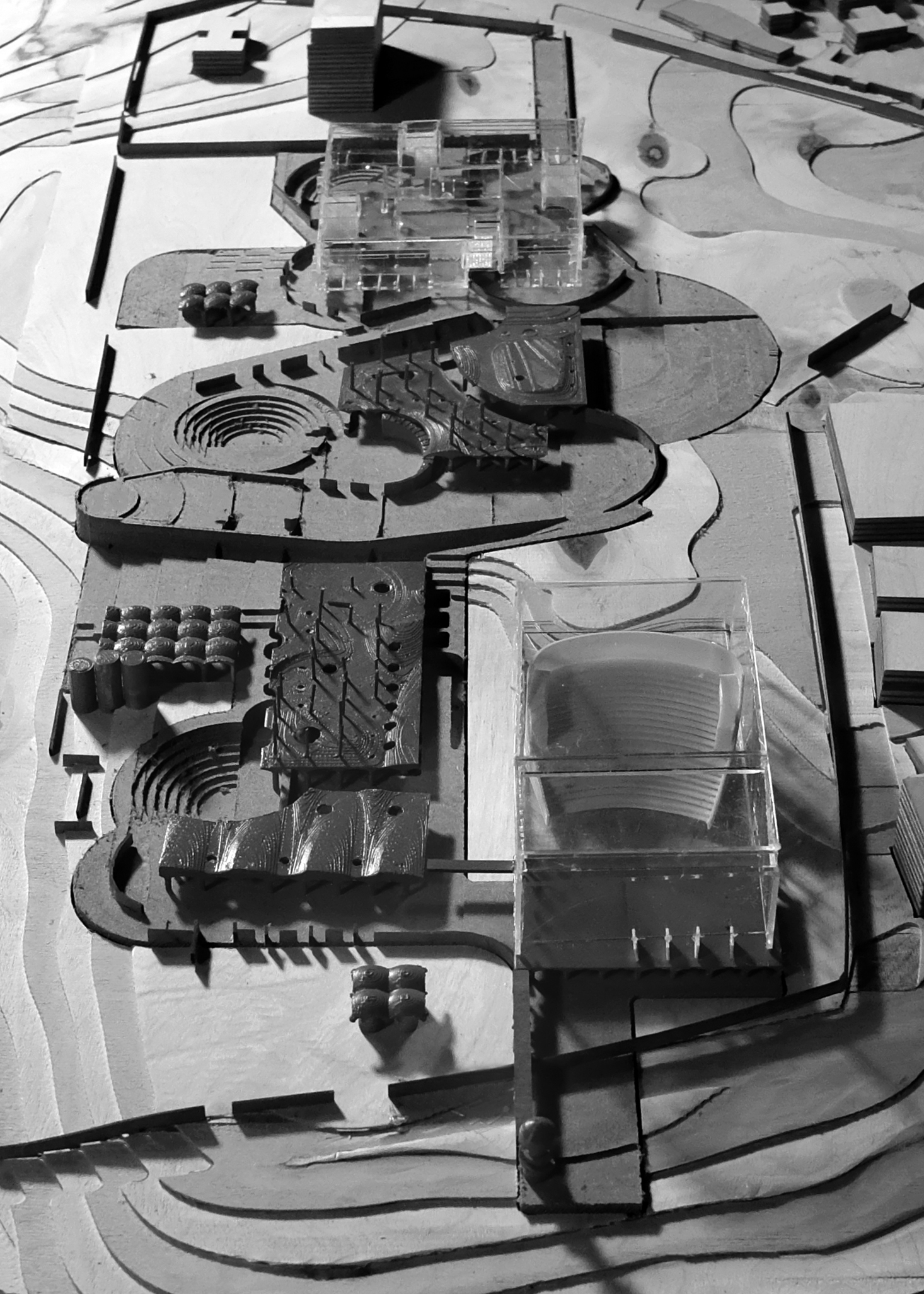
This proposal is for a book that offers readings in Design Ethics on questions of broad contemporary import: that of participatory publics in an era of neoliberal development and hardline politics, of design and its spatial agency, of the legacies and futures of modernism in the global south, and of the care and repair of buildings and cities in an age of climate crises.

PJ Dick Innovation Fund Project Grant: Village in the City, City in the Village
In collaboration with Chiang Mai University, the proposal expands a relationship between designers, students and local villagers to focus on the current urbanization of a municipality of agricultural villages in San Pu Loei.
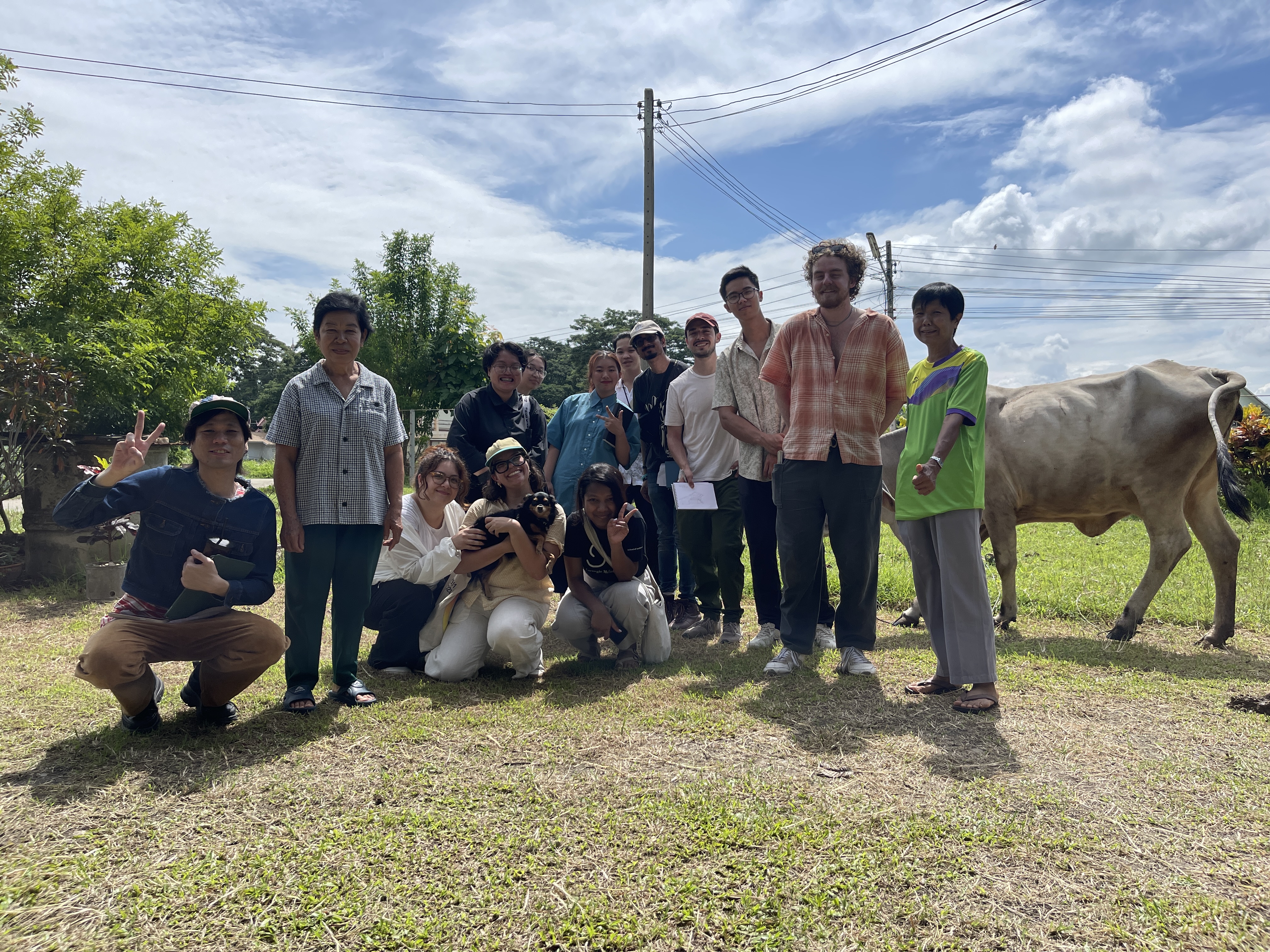
In collaboration with Chiang Mai University, the proposal expands a relationship between designers, students and local villagers to focus on the current urbanization of a municipality of agricultural villages in San Pu Loei.

PJ Dick Innovation Fund Project Grant: Farm to Prototype
This proposal seeks support for the construction and testing of a series of full-scale hempcrete architectural assemblies.
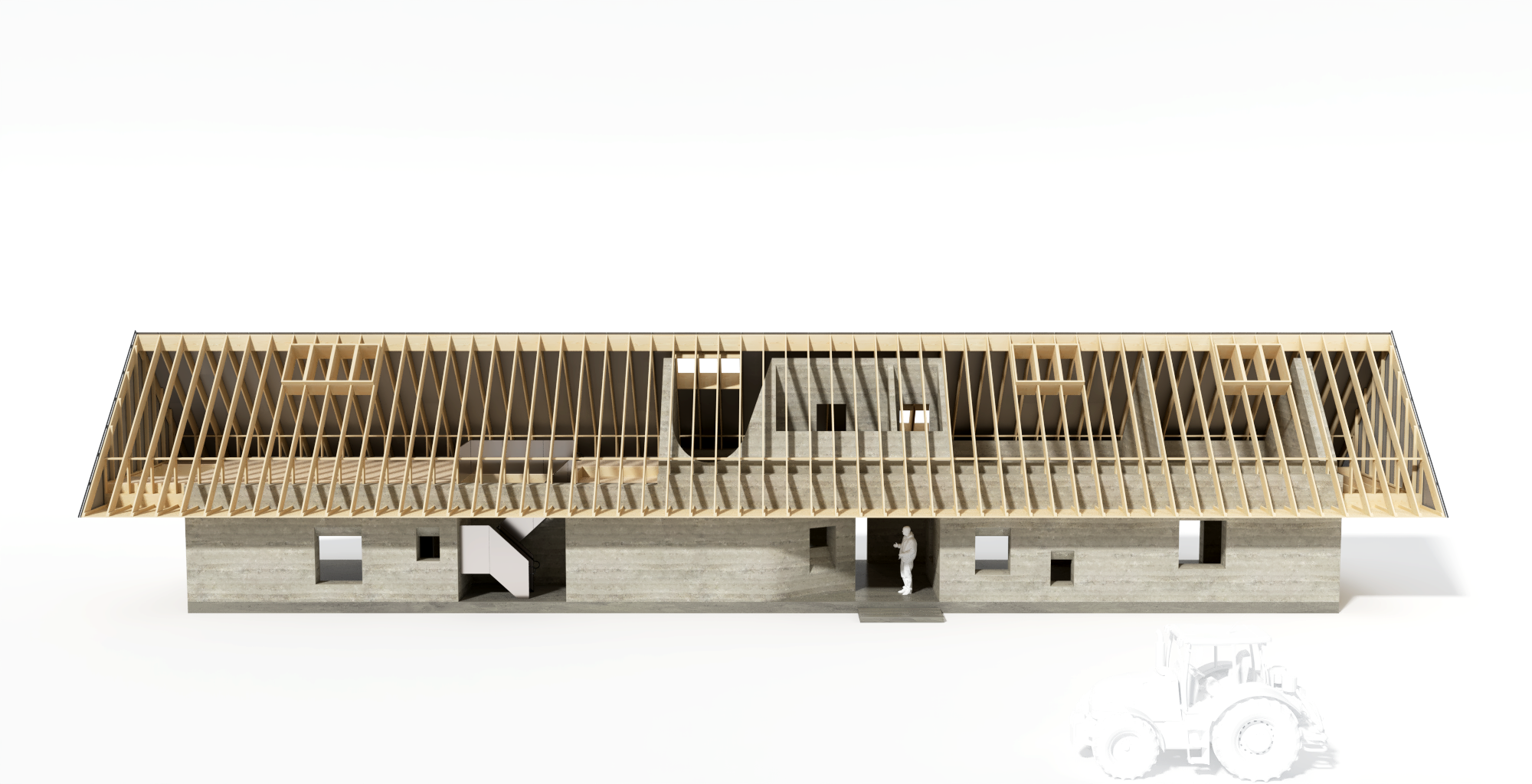
This proposal seeks support for the construction and testing of a series of full-scale hempcrete architectural assemblies.

PJ Dick Innovation Fund Project Grant: Greenhouse Design-Build Project
This year-long studio project utilizes bamboo that has been repurposed from the previous NOMAS Spring Carnival Pavilion installed on campus. The project aims to set a cogent case of low-carbon practices through a full-scale intervention in the neighborhood, thereby supporting an underserved community.
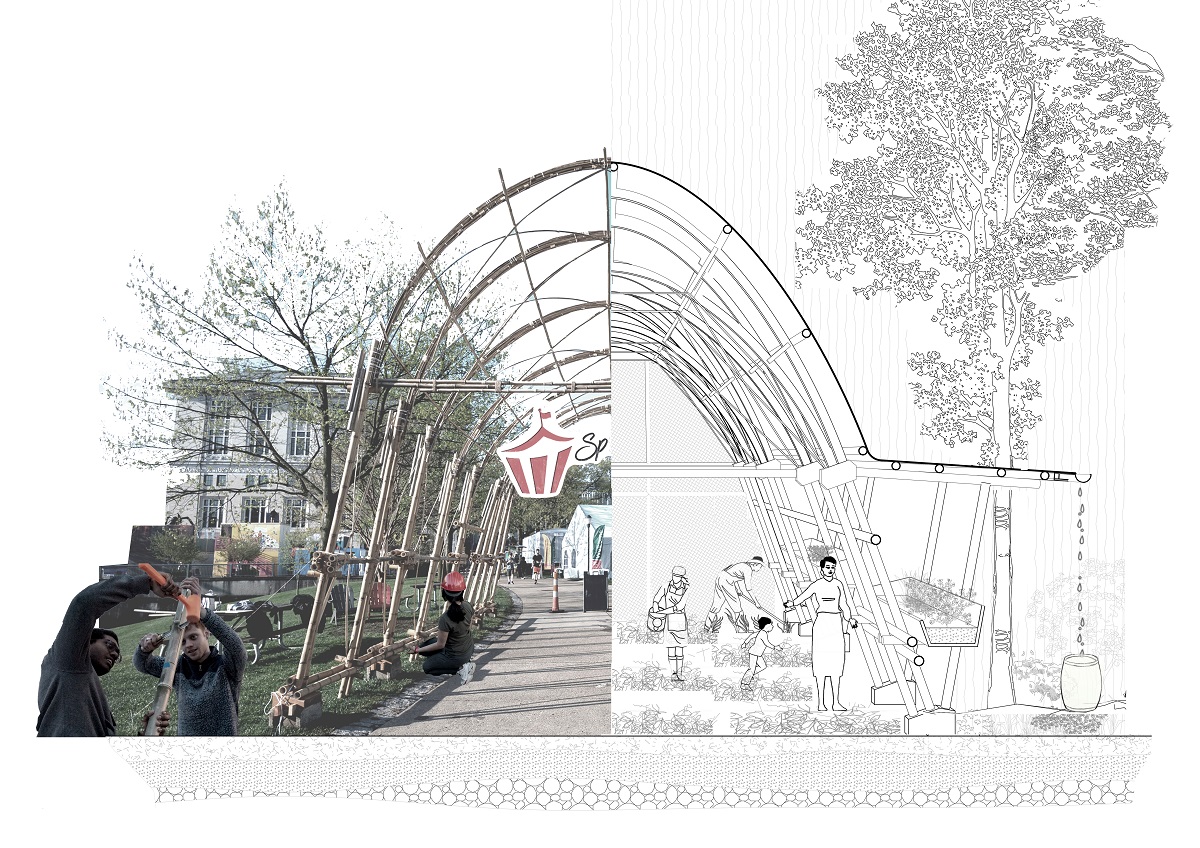
This year-long studio project utilizes bamboo that has been repurposed from the previous NOMAS Spring Carnival Pavilion installed on campus. The project aims to set a cogent case of low-carbon practices through a full-scale intervention in the neighborhood, thereby supporting an underserved community.

PJ Dick Innovation Fund Project Grant: Sharing the Entangled Stories of the Anthropocene
This project emerges from the teaching and research work of the project lead over the last two years. This application is for the dissemination/sharing of stories globally as a storybook of methodologies, and locally as a series of stories shared as an exhibit.
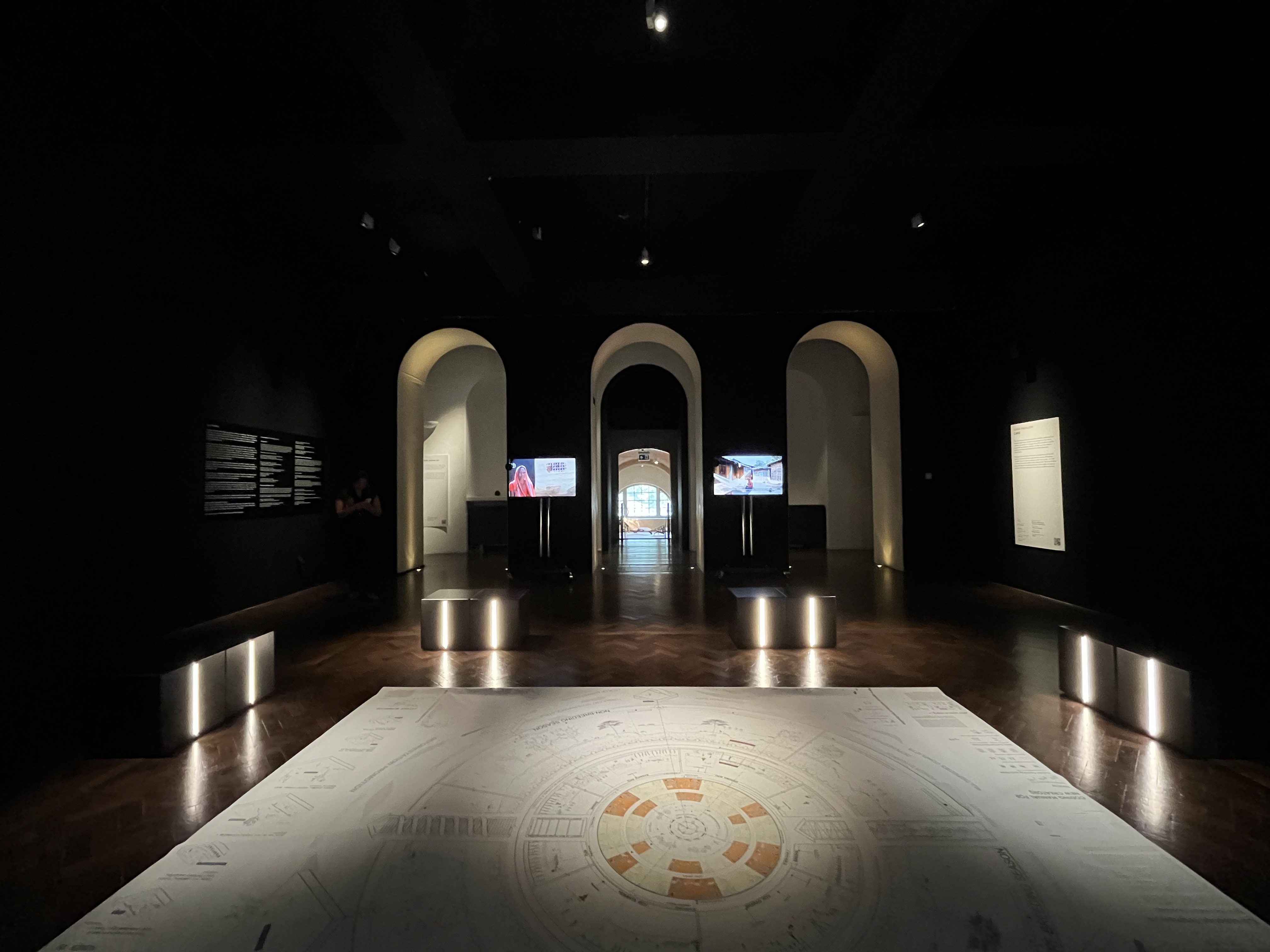
This project emerges from the teaching and research work of the project lead over the last two years. This application is for the dissemination/sharing of stories globally as a storybook of methodologies, and locally as a series of stories shared as an exhibit.

PJ Dick Innovation Fund Project Grant: Sustainable Design for Uncertain Futures Book and Website
The aim of this book and website is to provide academics and practitioners with strategies that can be used in combination throughout the building project lifecycle to help designers align their work with the appropriate forces of change.
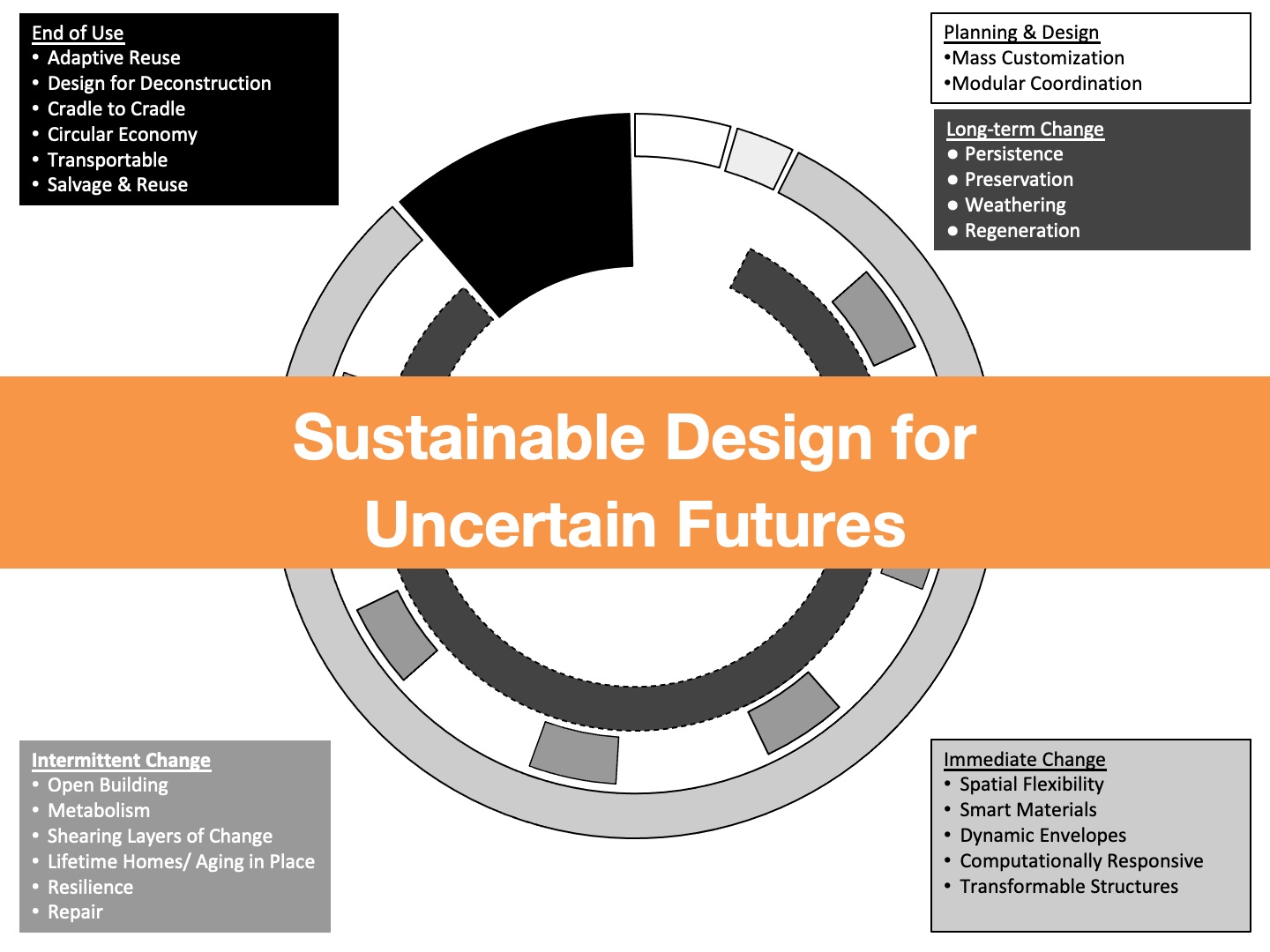
The aim of this book and website is to provide academics and practitioners with strategies that can be used in combination throughout the building project lifecycle to help designers align their work with the appropriate forces of change.

PJ Dick Innovation Fund Project Grant: Leveraging AI for Equitable Lighting
This project aims to address these disparities by developing a user-centric smart lighting system that collaborates with the architectural façade to enhance mood and perception while ensuring equitable access to quality lighting in everyday spaces.
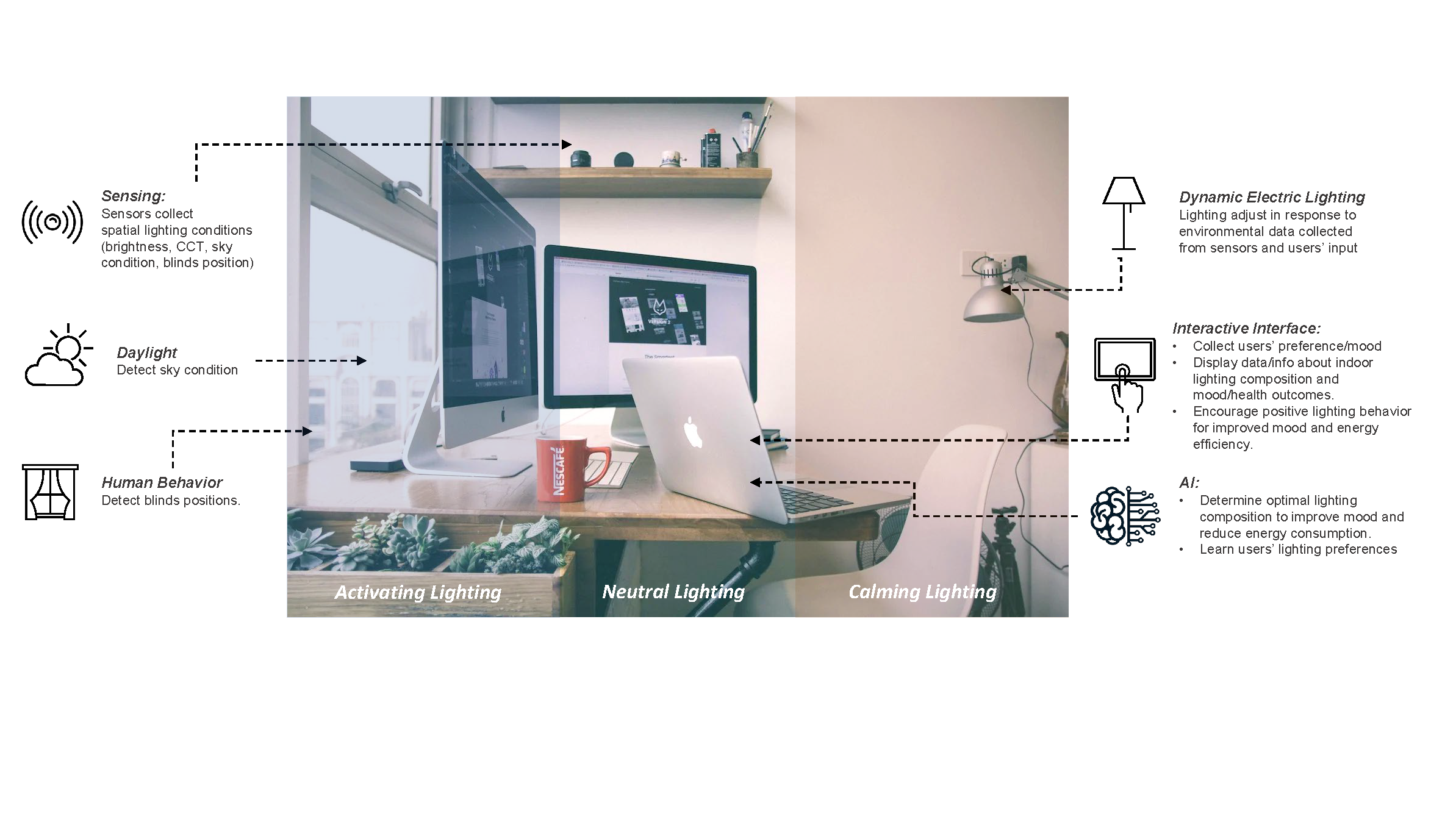
This project aims to address these disparities by developing a user-centric smart lighting system that collaborates with the architectural façade to enhance mood and perception while ensuring equitable access to quality lighting in everyday spaces.

PJ Dick Innovation Fund Project Grant: (de)Mass(ing) Timber
We see this proposal as a seed grant to identify three pathways of tectonic/geometric strategies that can be further elaborated at full scale with future funding and industry partnerships. Emerging technologies, such as AI-driven generative design and optimization, AR enhanced construction, and other computational processes will be essential to developing the work.

We see this proposal as a seed grant to identify three pathways of tectonic/geometric strategies that can be further elaborated at full scale with future funding and industry partnerships. Emerging technologies, such as AI-driven generative design and optimization, AR enhanced construction, and other computational processes will be essential to developing the work.

PJ Dick Innovation Fund Project Grant: Regenerative Structures Laboratory
This proposal seeks to establish the “Regenerative Structures Laboratory” at Carnegie Mellon Architecture.

This proposal seeks to establish the “Regenerative Structures Laboratory” at Carnegie Mellon Architecture.

PJ Dick Innovation Fund Teaching Grant: Urbanism and Social Production of Space
Jongwan Kwon, Assistant Teaching Professor
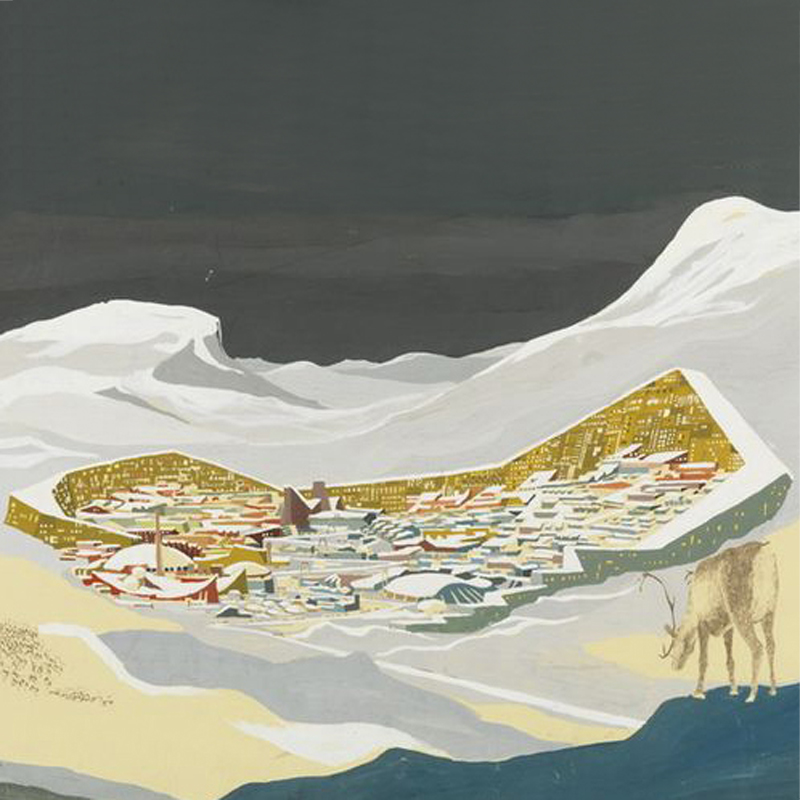
Jongwan Kwon, Assistant Teaching Professor

PJ Dick Innovation Fund Teaching Grant: Image Deep: /Contested Matter
Dana Cupkova, Associate Professor
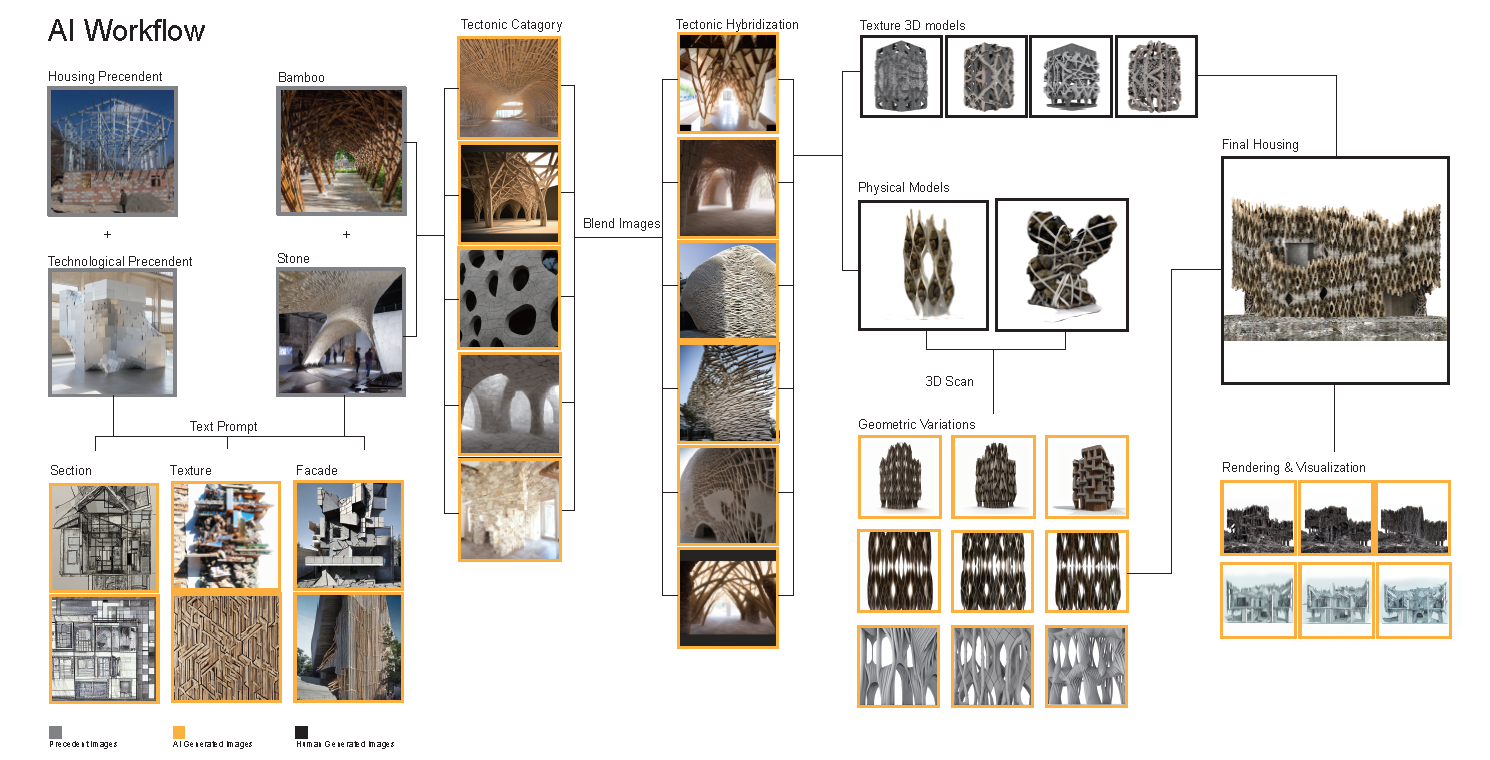
Dana Cupkova, Associate Professor

PJ Dick Innovation Fund Teaching Grant: The Pittsburgh Sequence
Francesca Torello, Special Faculty
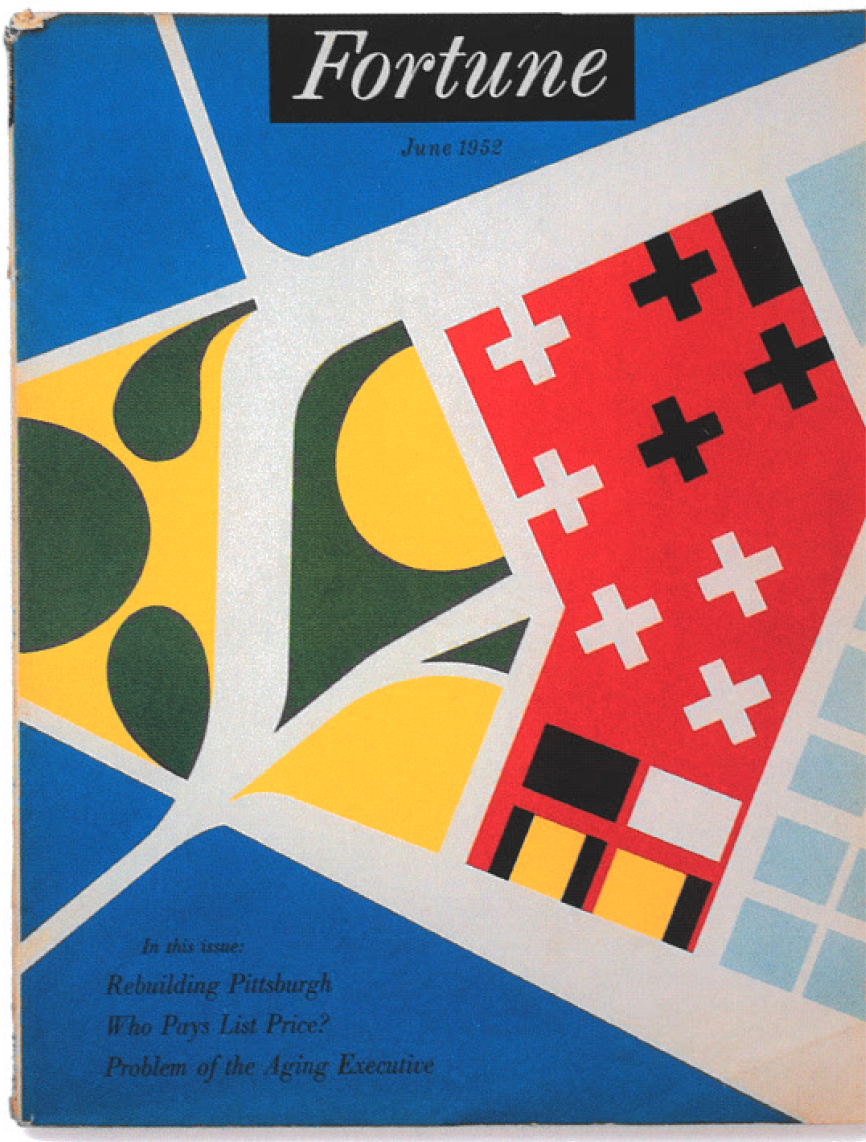
Francesca Torello, Special Faculty

PJ Dick Innovation Fund Teaching Grant: Mixed Use in Pittsburgh's “Climate Haven”
Jared Abraham, Associate Studio Professor
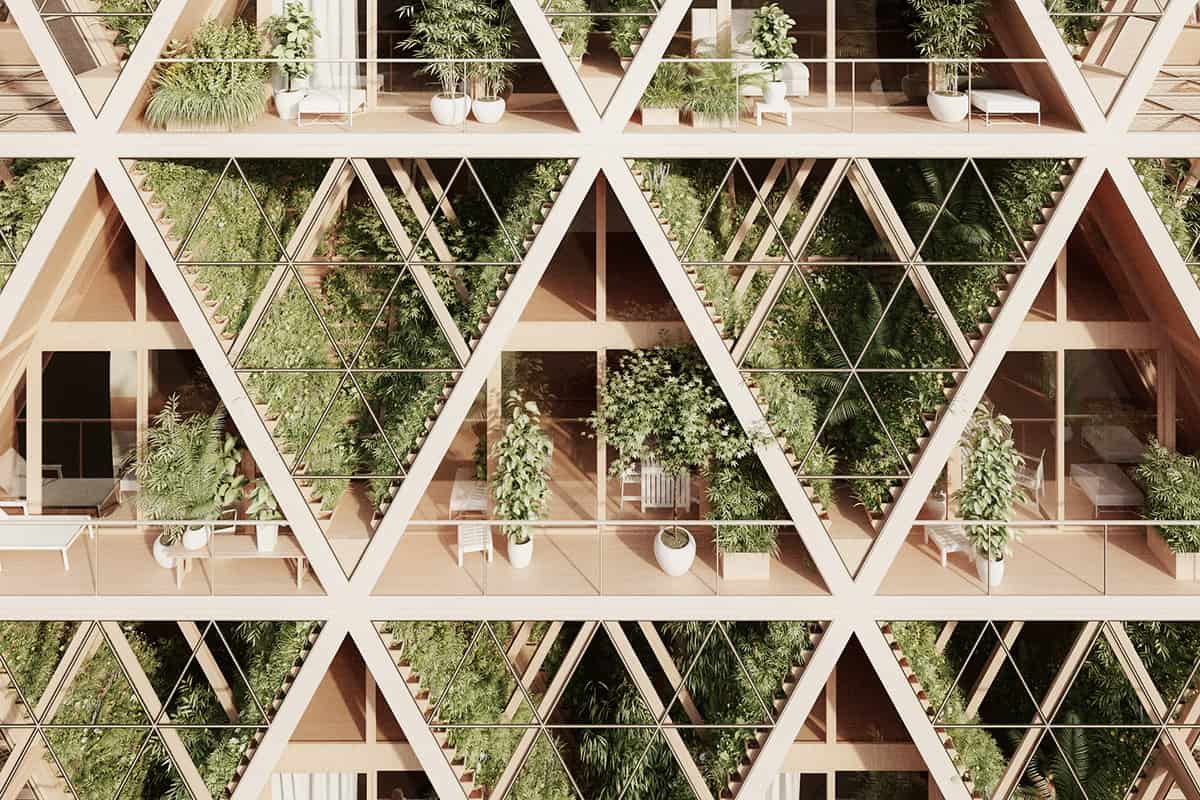
Jared Abraham, Associate Studio Professor

PJ Dick Innovation Fund Teaching Grant: Data Dump
Daragh Byrne, Associate Teaching Professor
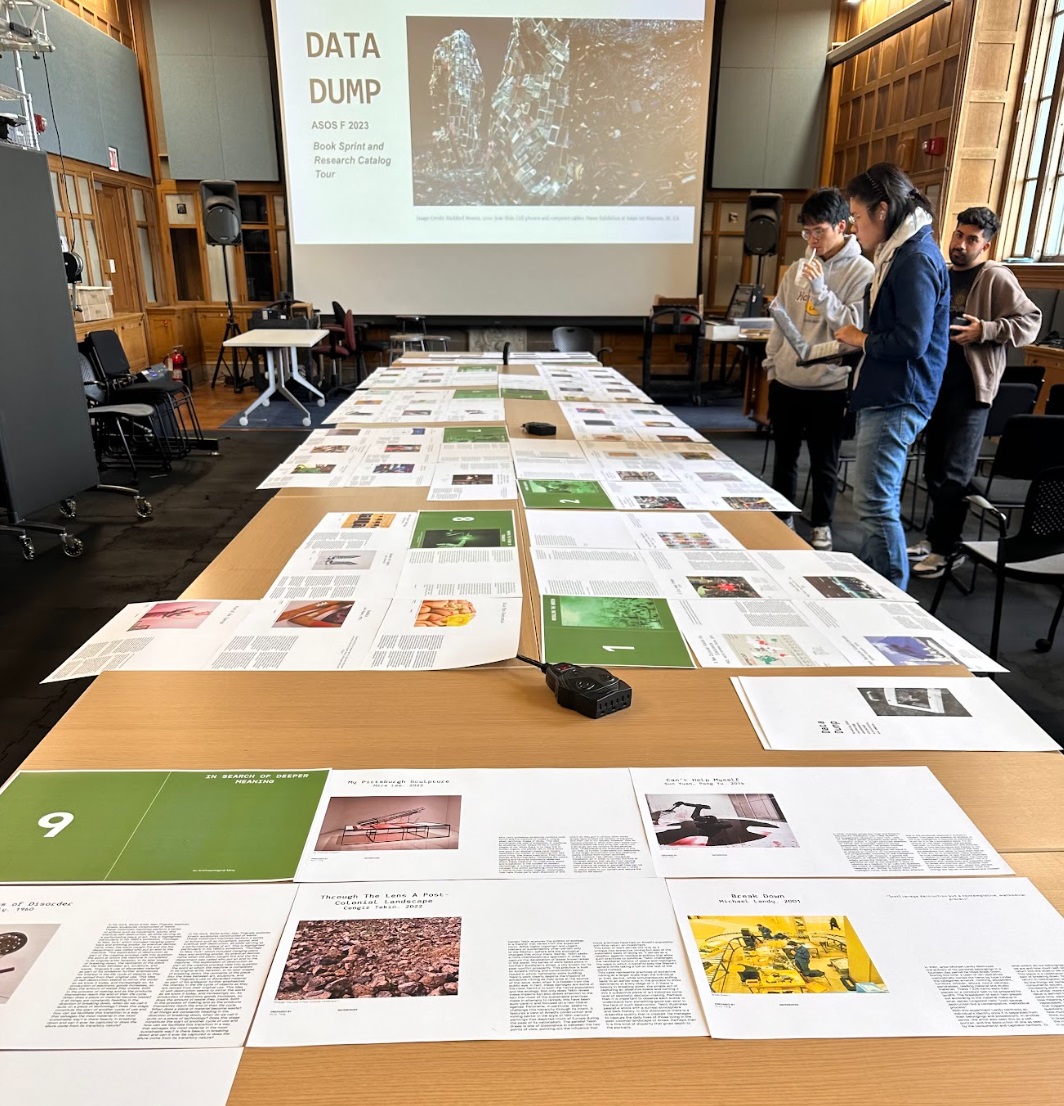
Daragh Byrne, Associate Teaching Professor

PJ Dick Innovation Fund Teaching Grant: Unreasonable Architecture
Tuliza Sindi, Ann Kalla Visiting Professor in Architecture
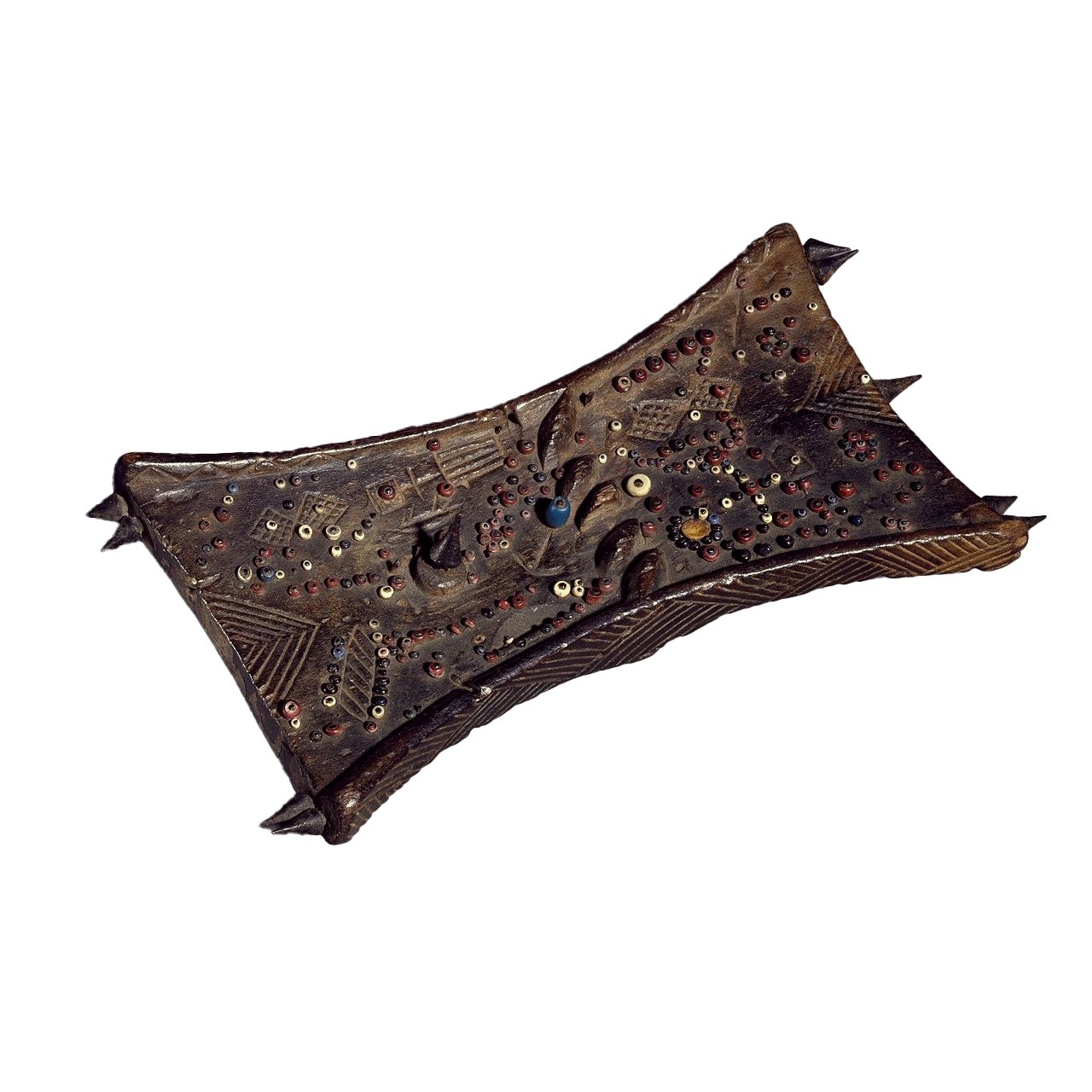
Tuliza Sindi, Ann Kalla Visiting Professor in Architecture


